Figma
Быстрый старт
Нет времени, понимания и желания вникать? Выбирай подходящую схему работ! Оставь заботы профессионалам
Задать вопрос
- Схема работ
-
Организация проекта от аналитики исходных данных до визуального прототипа приложения
- Проект
-
Визуализация продукта, прототипа или мокапа. Проектирование приложений или перенос сайтов в Figma
- Согласование
-
Режим корректировок и взаимодействие с клиентом
- Сопровождение
-
Режим поддержки и развитие продукта
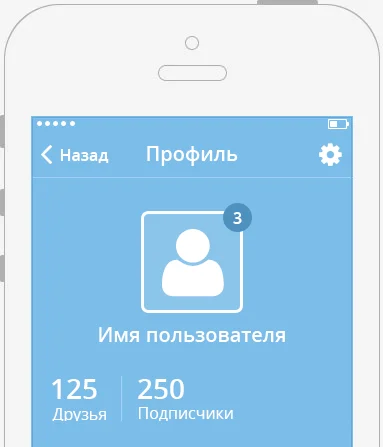
UX концепция
Проектирование клиентского опыта, построение и проверка гипотез взаимодействия пользователя с системой.
Заказать прототипUI концепция
Профессиональная визуализация UХ концепции, соответствующая современным стандартам
Заказать ui kit - Инструментарий
-
Разработка в Figma
- Брендинг
-
Логотип. Типографика. Прототип
- Адаптивность
-
Поддержка десктопных устройств 1920x1080 (1440x900), сенсорных и мобильных устройств 360x800 (375x812, 768x1024)

Дизайн + система
Упаковка правил и инструментов для разработки и дальнейшего продвижения продукта на рынке
Заказать проектPlease provide your contacts
How to order?